

The eyes
Eureka 3D Camera
Stereo 3D capture of cluttered bins, including reflective and dark parts. Fixed or arm-mounted.
Explore the 3D CameraThe Eureka AI Vision System combines a 3D camera and StereoPick software for bin picking and vision-guided robotics.


The Eureka AI Vision System is a 3D camera, a controller and StereoPick software, built to work together out of the box.
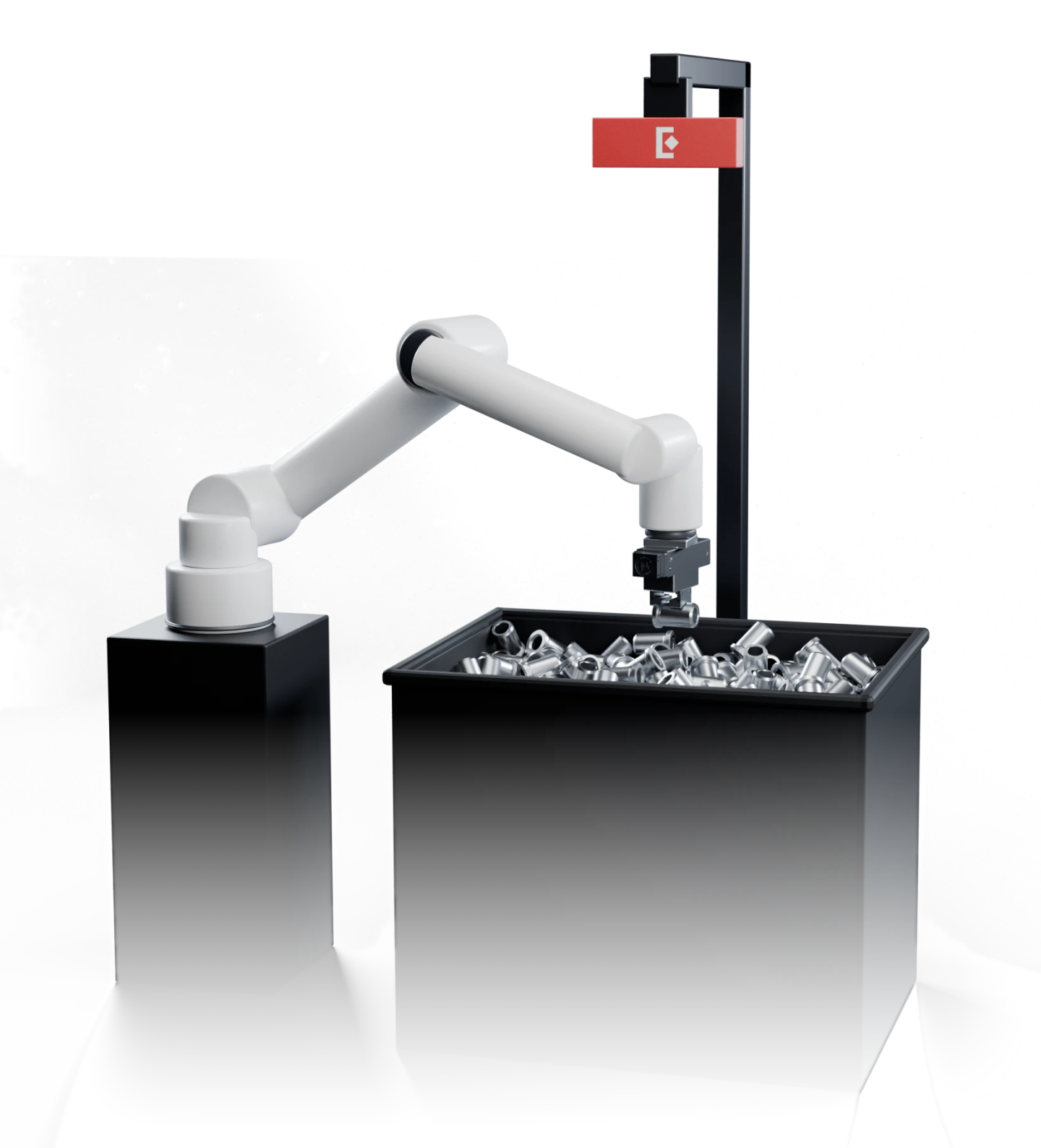
Stereo 3D capture of cluttered bins, including reflective and dark parts. Fixed or arm-mounted.
Explore the 3D Camera
Industrial PC that runs pre-trained AI models locally. Your CAD and images stay on-site.
See the controller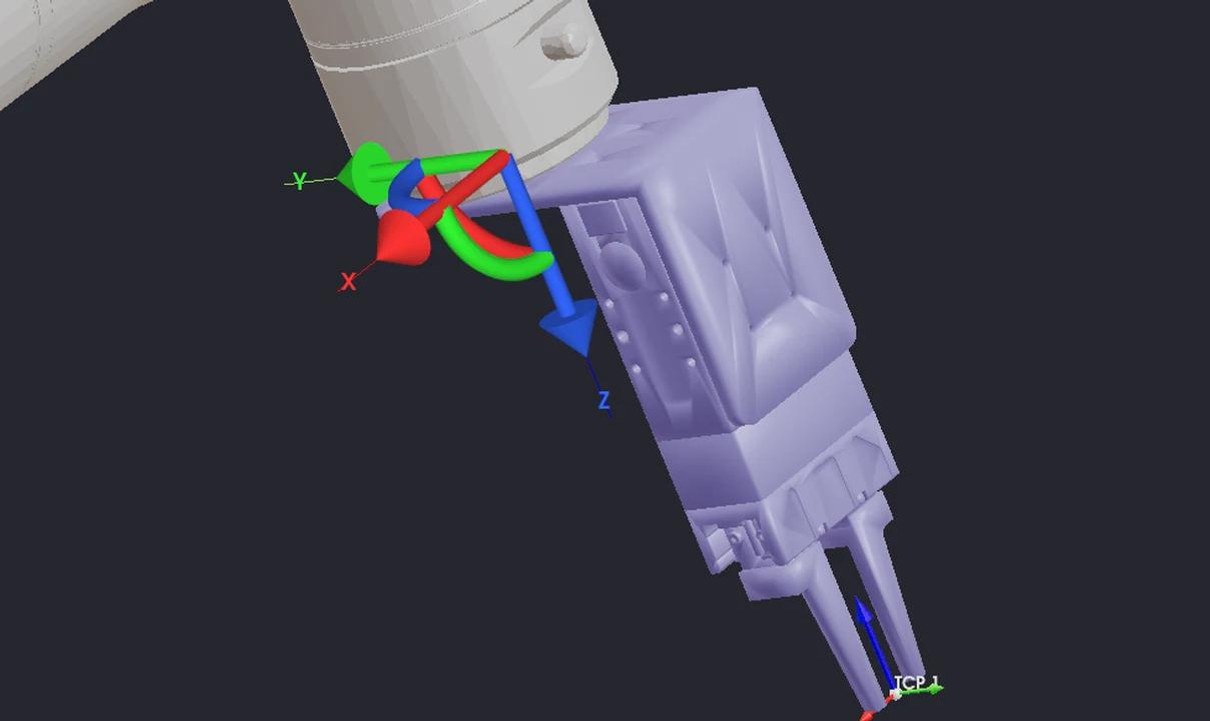
Set up applications, validate in simulation and train new parts in-house. Built for entry-level users. Edge AI model training (privacy option) is a paid add-on.
Explore StereoPickYour application, your models, your data, all on your premises. Edge AI model training (privacy option) is a paid add-on.
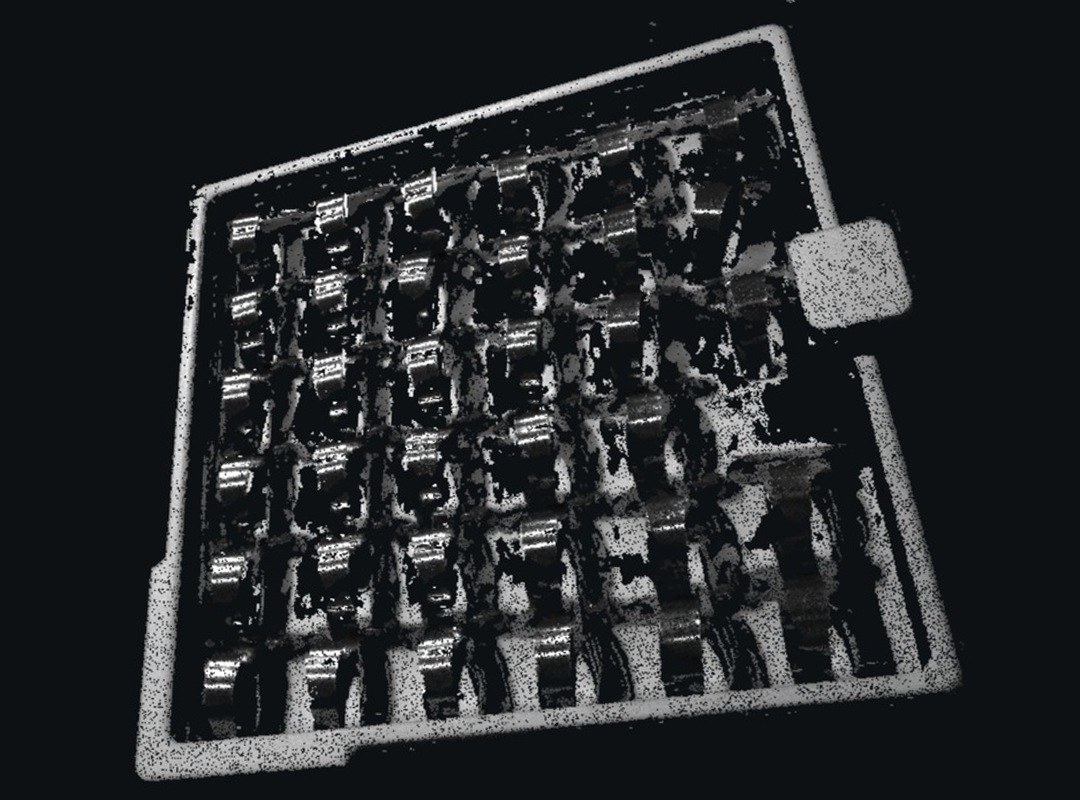
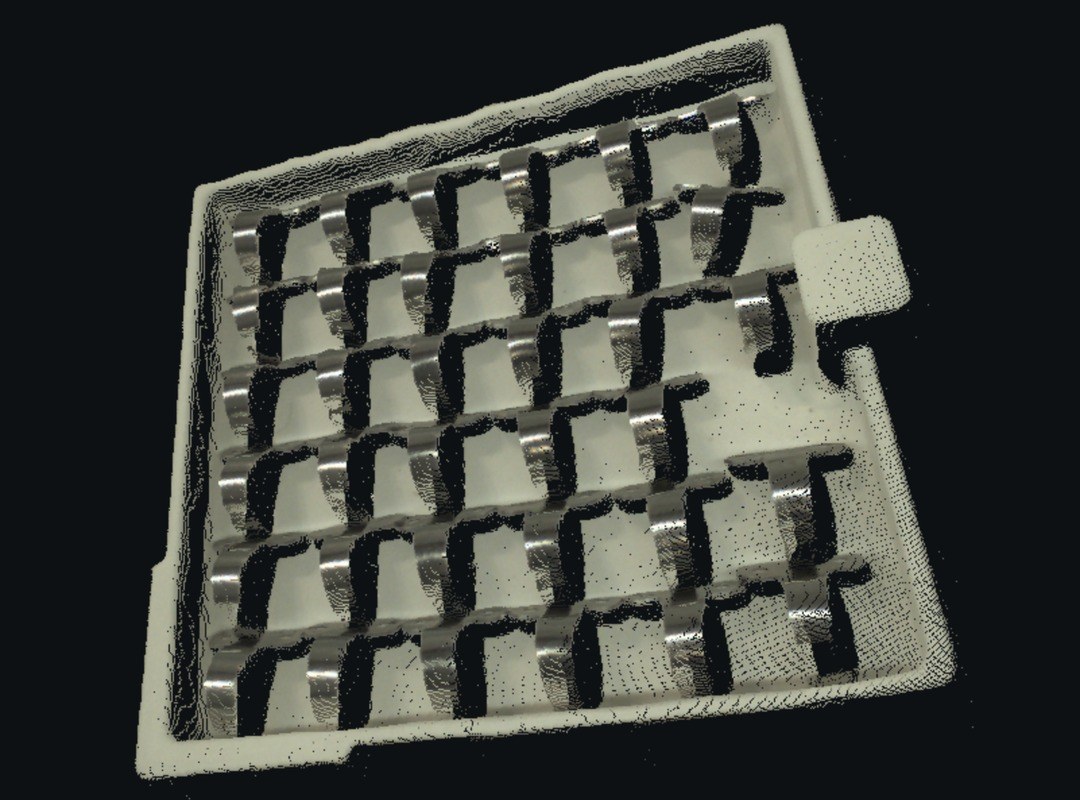
StereoPick and the ControllerHigh-resolution point clouds give the AI a precise view of every part, for reliable identification and picking.
Your team can take control, with Eureka and trained integrators available to help. One workflow, start to finish: setting up a new application.
Click through the StereoPick software, from CAD file to live picksTap through the StereoPick software, from CAD file to live picks
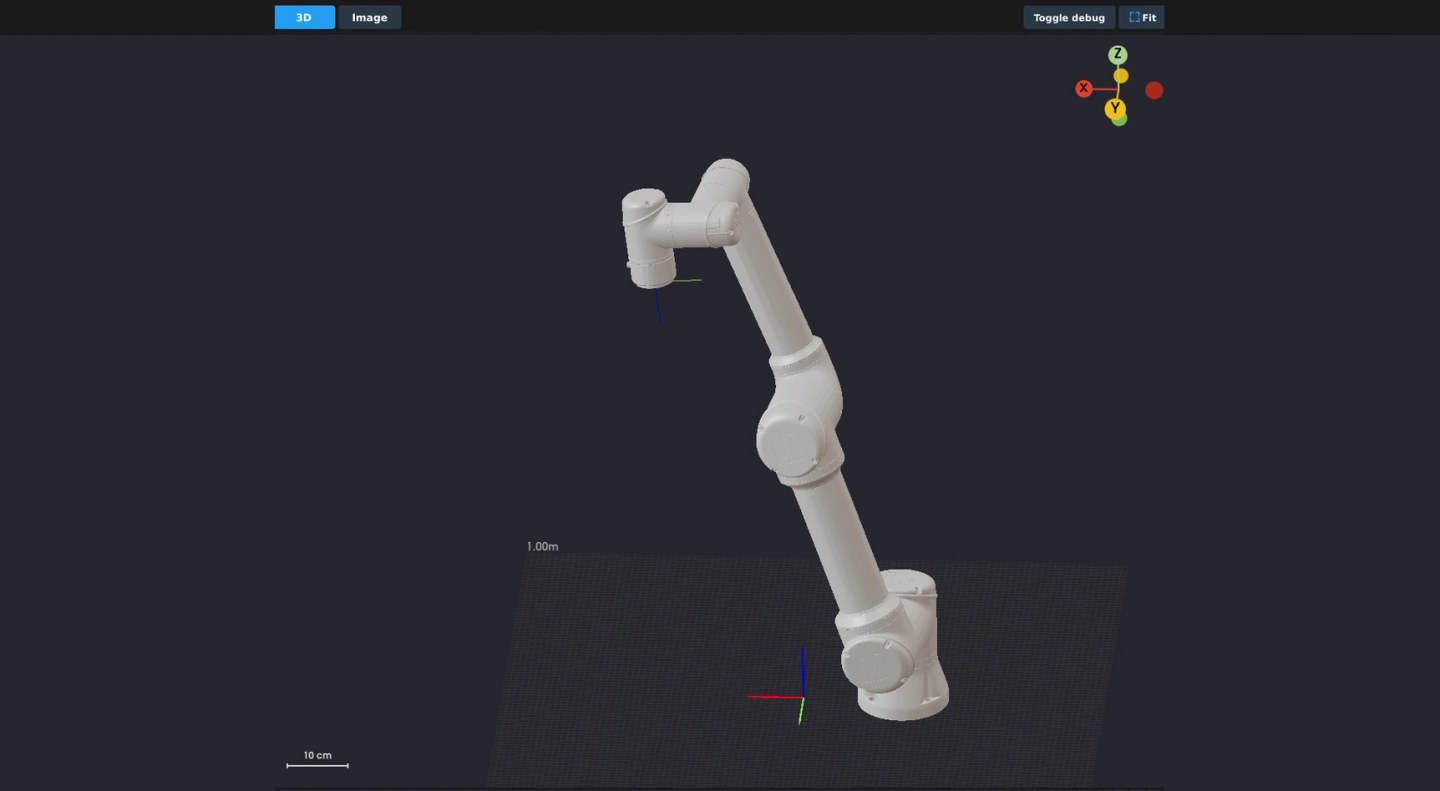
Choose your robot brand and model. StereoPick loads its kinematics and connection settings.
Explore StereoPick*Edge AI model training (privacy option) is a paid add-on.
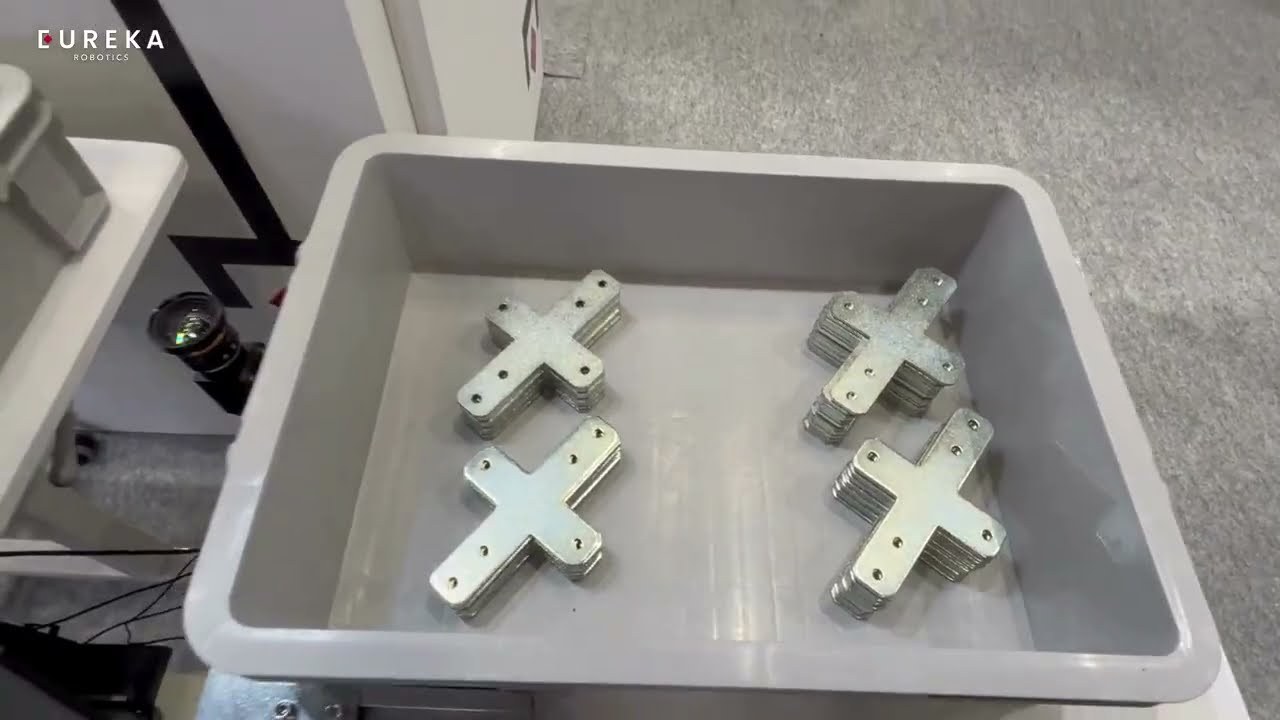
Sorted and stacked for the next process
Your robot program asks for the next pick and gets back where to grab it. Everything runs on-site on the Eureka Controller, with no cloud connection and no subscription. Edge AI model training (privacy option) is a paid add-on.




For decades, robot vision meant specialists, custom code and months of tuning before the first pick. Eureka is changing that: connect the camera, load your CAD, and any robot arm can see and pick on its own.
Why we built Eureka

Work with a Eureka-trained integrator in your region to deliver the full cell.
Tell us about your application and send us your parts. You get a pick video or live demo within 72 hours of receiving them.
Free. No PO, no NDA, no upfront cost.