

The eyes
Eureka 3D Camera
Stereo 3D capture of cluttered bins, including reflective and dark parts. Fixed or arm-mounted.
Explore the 3D Camera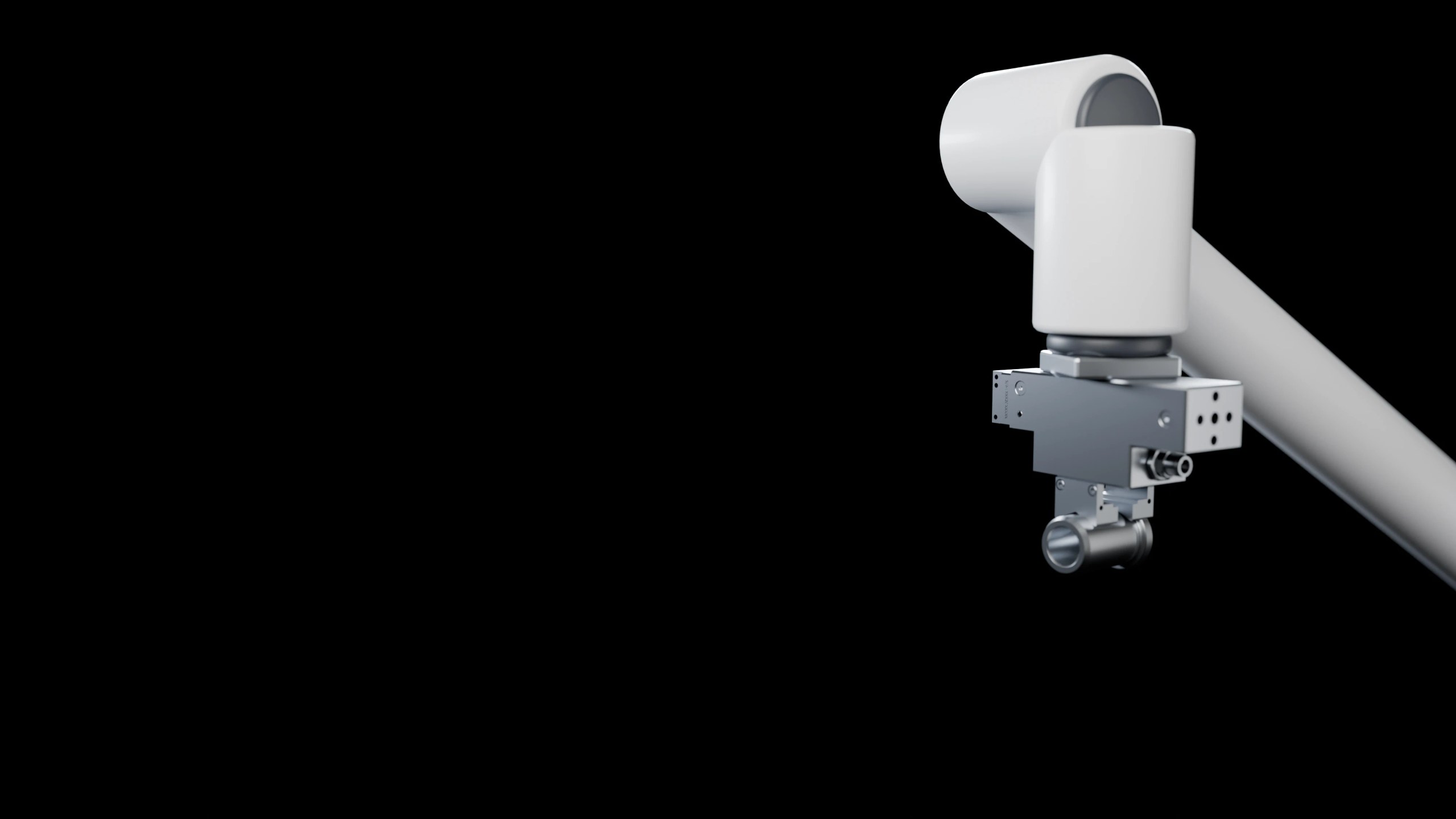
3D camera, controller and StereoPick software that let your robot load CNCs and presses straight from bulk bins, including shiny machined parts.



Machine tending is a robot loading raw parts into a machine such as a CNC lathe, machining center or press, and unloading finished ones. With 3D vision the robot picks parts straight from the bulk bin, so nobody has to fill trays, drawers or feeders first.
The Eureka AI Vision System does the camera, vision and path planning. Your robot loads the machine.
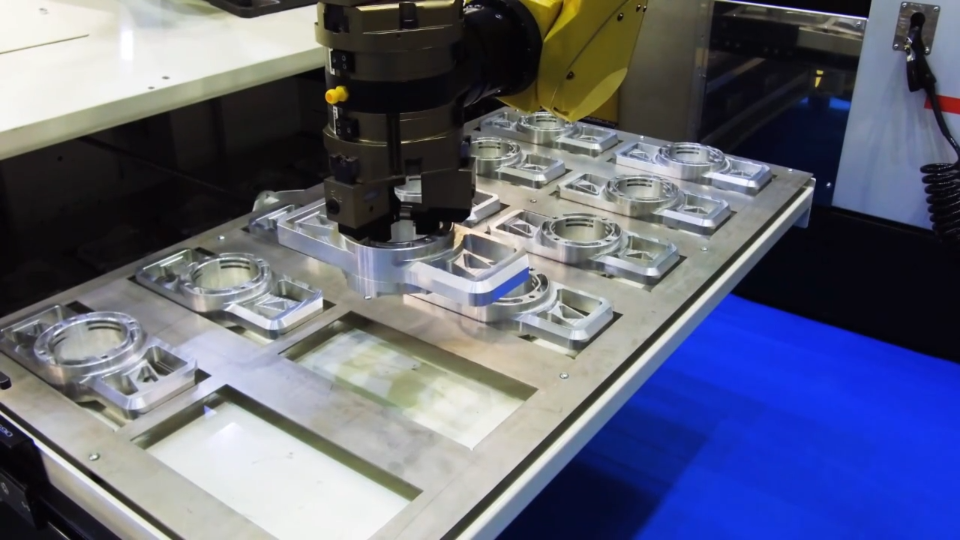
CNCs, presses and test stations fed from bulk
The Eureka AI Vision System is a 3D camera, a controller and StereoPick software, built to work together out of the box.
Stereo 3D capture of cluttered bins, including reflective and dark parts. Fixed or arm-mounted.
Explore the 3D Camera
Industrial PC that runs pre-trained AI models locally. Your CAD and images stay on-site.
See the controller
Set up applications, validate in simulation and train new parts in-house. Built for entry-level users.
Explore StereoPickSet up a new application in StereoPick, then run it on the controller.
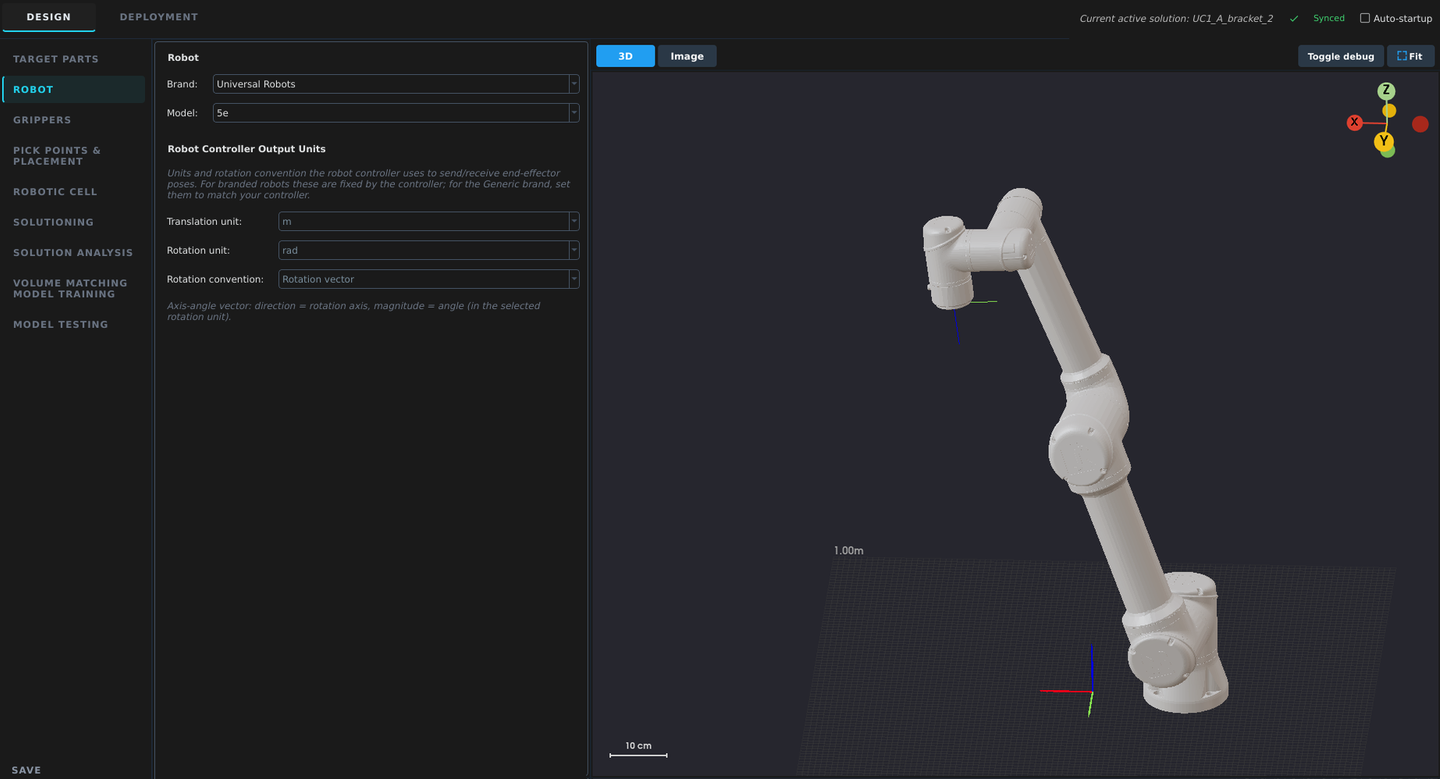
Choose your robot brand and model. StereoPick loads its kinematics and connection settings.
The 3D camera scans the bin and AI software finds a part the robot can reach. If the machine needs an exact grip, the robot sets the part on a regrip station and picks it again. It then loads the chuck or fixture, signals cycle start and unloads the finished part, while the next scan runs during the machining cycle.
CNC lathes, machining centers, presses and test stations, plus fixtures and jigs. The robot loads raw parts from the bulk bin and unloads finished ones, so nobody refills trays or drawers.
Often, yes. AI CAD Matching picks with an exact grasp trained from your CAD file. When the chuck or fixture needs a more exact position than a pick from the bin gives, the robot uses a regrip station before loading. The feasibility check tells you which your part needs.
When the machine needs the part in an exact orientation that the robot cannot take directly from the bin, for example blanks going into a chuck. The robot sets the part down, then regrasps it the way the machine needs it.
Fanuc, ABB, Universal Robots and AUBO are supported out of the box. Other robots connect through the open socket API.
Machine signals run through robot I/O, or through a PLC over EtherNet/IP, Modbus or TCP/IP. Your own engineers can set this up, or a Eureka-trained integrator in your region can deliver the full cell.
It depends on the part and the cell. Training and tuning a simple, rigid part with defined part presentation takes a few hours in StereoPick. Complex parts and full production deployment take longer. The free feasibility check gives you an estimate for your application.
The system is a one-time purchase with no subscription, and it runs on-site. For pricing, system configuration and lead times, talk to sales.
Tell us about your application and send us your parts. You get a pick video or live demo within 72 hours of receiving them.
Free. No PO, no NDA, no upfront cost.